Guides
Self-Hosted Internet Speed Monitor: Track Your ISP Without a Third-Party Service
Run Speedtest Tracker in Docker to log your real download, upload, and latency every hour, then pair it with Uptime Kuma so you have proof when your ISP says the line is fine.
How to Get HTTPS for Every Homelab Service (NPM + Let's Encrypt)
A repeatable workflow for putting trusted HTTPS in front of every service in your homelab using Nginx Proxy Manager and free Let's Encrypt certificates. No self-signed warnings, no per-service certs.
Homelab Networking from Scratch: DNS, Reverse Proxy, VPN, and SSL
Set up homelab networking the right way: internal DNS, reverse proxy with HTTPS, wildcard SSL, and secure remote access via Tailscale or Cloudflare.
How to Secure Your Homelab: Authelia, Tailscale, and No Open Ports
A practical, layered homelab security guide built on a real stack: close every inbound port with Tailscale, add HTTPS with a reverse proxy, and put SSO plus 2FA in front of everything with Authelia.
Proxmox Networking Explained: Bridges, VLANs, and Firewall Basics
How networking actually works inside Proxmox: virtual bridges, Linux bridges vs OVS, VLAN tagging, static IPs, and the built-in firewall. Written for budget homelabbers who want more than the default vmbr0 setup.
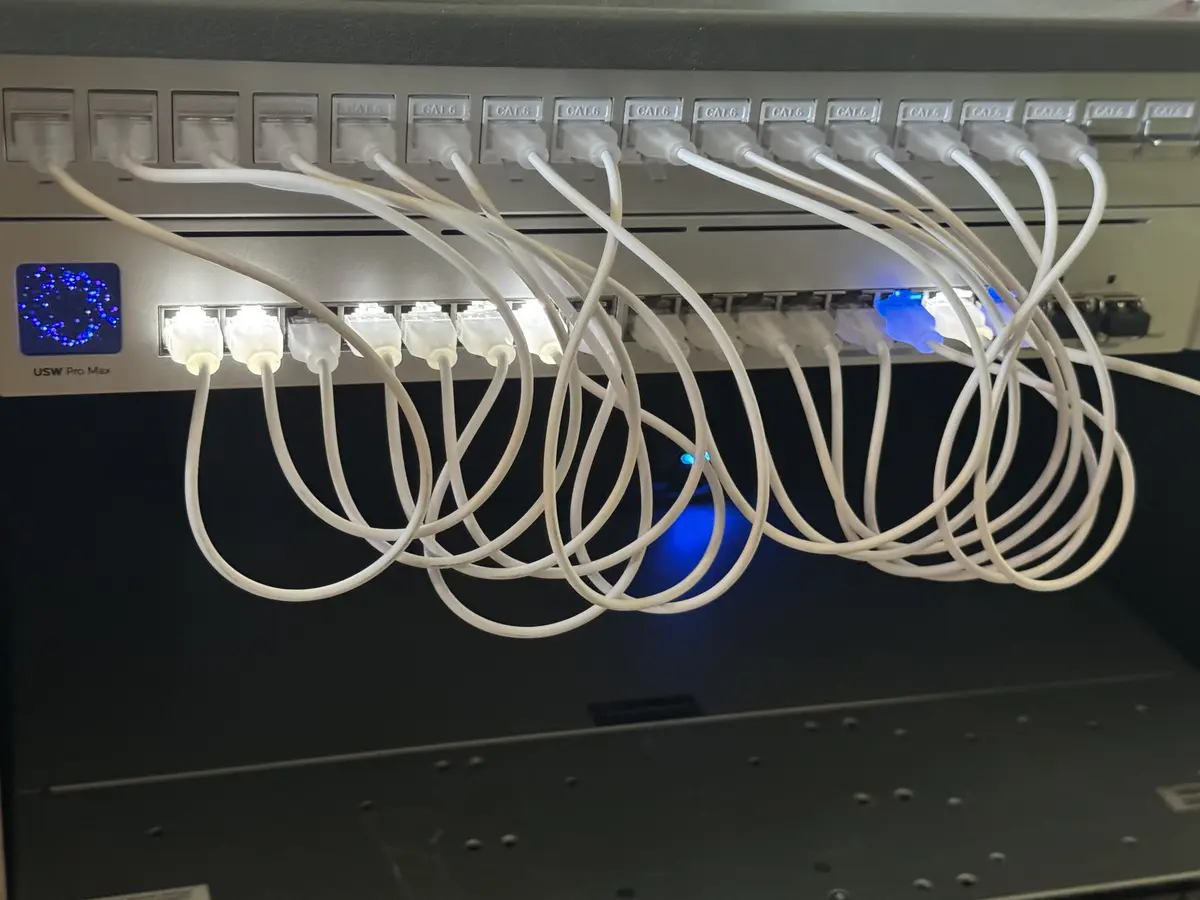
How to Set Up Pi-hole or AdGuard Home for Network-Wide Ad Blocking
Compare Pi-hole and AdGuard Home, then set up whichever fits your homelab. Full Docker Compose configs, DNS integration, and blocklist recommendations.
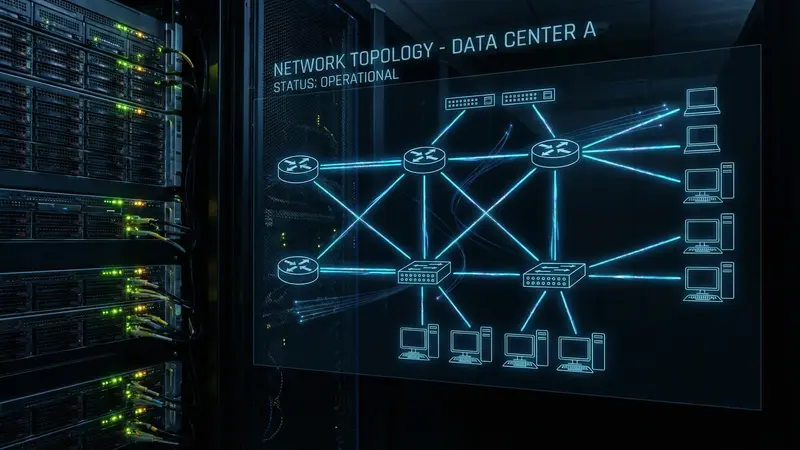
WireGuard VPN Server: Self-Hosted Remote Access
Set up a WireGuard VPN server on Docker using wg-easy for a clean web UI, then connect your devices for secure remote access to your homelab.
Cloudflare Tunnels for Your Homelab: Zero Port Forwarding, Free Tier
Expose homelab services to the internet without opening a single port using Cloudflare Tunnels. Free, easy to set up, and more secure than traditional port forwarding.
Tailscale Subnet Routing: Access Your Entire Home Network Remotely
Set up Tailscale subnet routing to expose your full home network to all your tailnet devices. No VPN server required, no port forwarding.
Wildcard SSL Certificates for Your Homelab (Let's Encrypt + Cloudflare)
Get a single wildcard SSL certificate that covers every subdomain in your homelab. No more per-service certificates, no more HTTPS warnings.
Pi-hole DNS Ad Blocking: Complete Setup Guide
Set up Pi-hole on Docker to block ads and tracking at the DNS level across your entire network. No browser extensions, no per-device setup.
Wazuh in Your Homelab: A Real SIEM Without the Enterprise Price Tag
Deploy Wazuh as a dedicated Proxmox VM to get centralized security monitoring, file integrity alerts, and vulnerability scanning across your entire homelab, with agents on every Linux host and Windows coverage via Tailscale.
Authelia on Docker: Add Two-Factor Auth to Every Service in Your Homelab
Set up Authelia as a forward-auth middleware in front of Nginx Proxy Manager to protect every homelab service with a single SSO portal and optional 2FA.
How to Set Up a Local DNS Server With Technitium (Ditch the Router DNS)
Run Technitium DNS in Docker to get internal hostnames, ad blocking, and split DNS for your homelab. No more IP addresses in your browser.
Tailscale for Your Homelab: Remote Access Without Port Forwarding
Set up Tailscale on your homelab server and access every service securely from anywhere. No port forwarding, no public IP required.
How to Set Up Nginx Proxy Manager With Docker (Complete Guide)
Install Nginx Proxy Manager with Docker Compose, add your first proxy host, and get HTTPS working for every service on your homelab.
Articles
Best Budget Managed Switch for VLANs (Homelab, 2026)
The 2026 shortlist of the best budget managed switches for homelab VLANs: the $25 hero pick, a cheaper rival, and upgrade tiers for PoE and 2.5G networking.

TP-Link TL-SG108E vs Netgear GS308E: Which Budget VLAN Switch Should You Buy?
TL-SG108E or GS308E for homelab VLANs? Real differences in VLAN capacity, price, warranty, and expansion, plus which one wins for IoT isolation.
WireGuard vs Tailscale: Which Remote Access Solution for Your Homelab?
A direct comparison of WireGuard and Tailscale for homelab remote access. Which one to run based on your setup, your patience for configuration, and how often you actually need to get in.
Nginx Proxy Manager vs Caddy vs Traefik: Which Reverse Proxy for Your Homelab?
A direct comparison of the three most common reverse proxies for self-hosting. Which one to pick based on how you actually run your homelab.
Homelab Security Basics: What You Need to Lock Down
The practical security checklist for homelabs: what actually matters, what's overkill, and what most guides skip entirely.
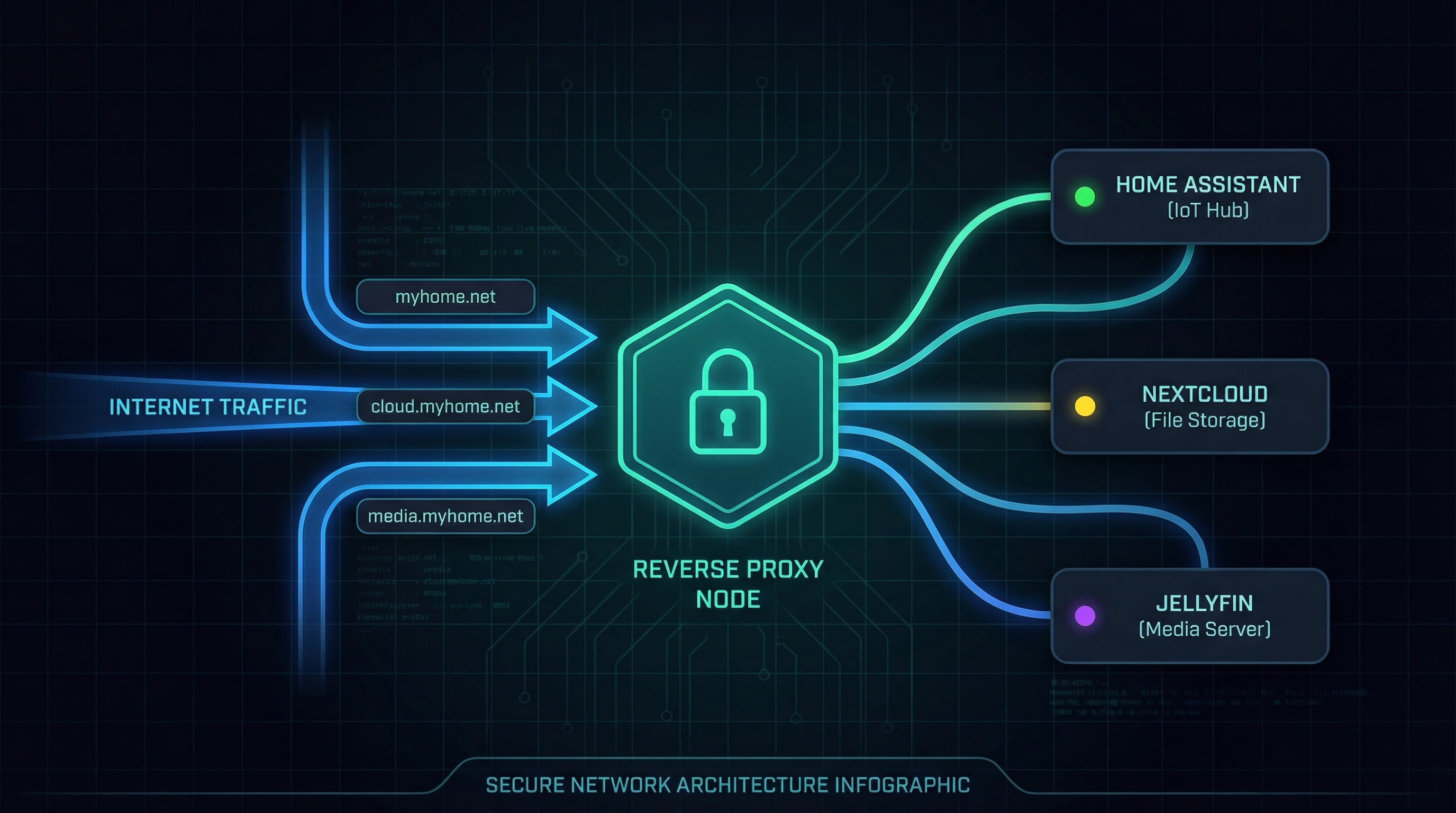
Why Your Homelab Needs a Reverse Proxy
A reverse proxy puts your services behind a single entry point with HTTPS and clean domain names. Here's why it matters and how to set one up with Nginx Proxy Manager or Caddy.
How to Set Up VLANs in a Homelab: Isolate IoT on a $25 Switch
Set up homelab VLANs on a $25 managed switch: tag VLANs, configure trunk ports, route between networks, and isolate untrusted IoT devices. Exact config included.

Setting Up a VPN Kill Switch for Your Homelab
A VPN kill switch blocks all traffic if the VPN connection drops. Here's how to implement one for specific containers or your whole server, and why it matters.
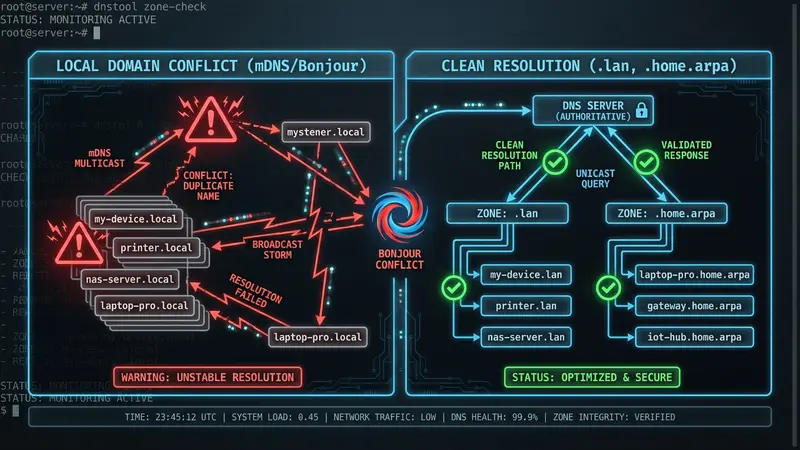
Don't Use .local for Your Homelab Domain
Using .local for your homelab DNS zone conflicts with mDNS (Bonjour/Avahi). Here's why resolution breaks intermittently and what to use instead.

Why You Shouldn't Open Ports on Your Router (and What to Use Instead)
Port forwarding is the obvious way to reach a homelab from outside, and it exposes every forwarded service to the internet. Here is why to avoid it and what to use instead.