Guides
Step-by-step self-hosting and homelab guides, from first server to full stack.
UPS Monitoring with NUT: Make Your Homelab Shut Itself Down
Set up Network UPS Tools on Proxmox so your homelab shuts down cleanly on battery. USB and SNMP drivers, upsmon, shutdown timing, secondary nodes, and how to test it without faking it.
Restic Backups for a Homelab: Encrypted, Deduplicated, and Actually Restorable
Set up restic for homelab file-level backups to Backblaze B2 or a local NAS. Snapshots, retention, automated systemd timers, and the restore test that proves it works.
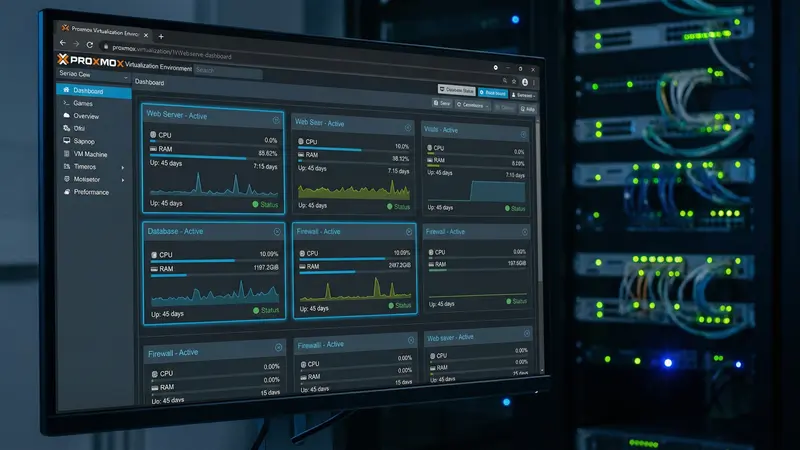
Proxmox Backup Server: Setup and Restore
Install Proxmox Backup Server, wire it into Proxmox VE, and prove a restore actually works. Datastores, tokens, pruning, garbage collection, and the four ways to get your data back.
Jellyfin Hardware Transcoding with Intel QuickSync
Turn on QuickSync hardware transcoding in Jellyfin on Docker. Device passthrough, permissions, the settings that actually matter, and how to prove it is working.
Plex Media Server on a Mini PC: Complete Setup Guide
Run Plex on a low-power mini PC with Docker. Full Compose config, hardware transcoding setup, remote access, and an honest look at what Plex Pass actually costs.
LXC vs VM in Proxmox: When to Use Each (With Real Examples)
A reference list of 18 real homelab services and whether each one belongs in a Proxmox LXC container or a VM, plus the mistake most beginners make with Docker sprawl.
Homelab Disaster Recovery: How to Get Everything Back When It Breaks
Backups are the easy half. This is the restore half: a recovery runbook, tiered priorities, bare-metal Proxmox rebuild, and the drill that proves it all actually works.
Vaultwarden for Families: Share Passwords With Organizations and Collections
Stop sharing a login over text. Set up Vaultwarden organizations and collections so your household shares the passwords it should, and nothing it shouldn't.
ntfy Setup: Self-Hosted Push Notifications for Your Homelab
Run your own push notification server with ntfy. Send alerts from any script or service straight to your phone, with authentication on from the first boot.
Self-Hosted Internet Speed Monitor: Track Your ISP Without a Third-Party Service
Run Speedtest Tracker in Docker to log your real download, upload, and latency every hour, then pair it with Uptime Kuma so you have proof when your ISP says the line is fine.
How to Get HTTPS for Every Homelab Service (NPM + Let's Encrypt)
A repeatable workflow for putting trusted HTTPS in front of every service in your homelab using Nginx Proxy Manager and free Let's Encrypt certificates. No self-signed warnings, no per-service certs.
Homelab Email Notifications: Alerts From Uptime Kuma, Proxmox, and Docker
Get one inbox that tells you when a service goes down, a backup fails, or a container updates. Free email alerts from Uptime Kuma, Proxmox, and Docker using a Gmail app password.
Syncthing for Homelab: Sync Files Between All Your Devices
Scale Syncthing past one laptop. Real folder-sharing strategy, versioning, and per-device ignore patterns for a mesh of laptops, phones, and a homelab server.
Homelab Networking from Scratch: DNS, Reverse Proxy, VPN, and SSL
Set up homelab networking the right way: internal DNS, reverse proxy with HTTPS, wildcard SSL, and secure remote access via Tailscale or Cloudflare.
How to Secure Your Homelab: Authelia, Tailscale, and No Open Ports
A practical, layered homelab security guide built on a real stack: close every inbound port with Tailscale, add HTTPS with a reverse proxy, and put SSO plus 2FA in front of everything with Authelia.
Homelab Automation: Scheduled Backups, Updates, and Monitoring
Set your homelab to back itself up, update its own containers, and tell you when something breaks. A practical automation stack using cron, Watchtower, Proxmox vzdump, and Uptime Kuma.
Self-Hosting Immich + Syncthing: Auto-Backup Your Phone Photos
Combine Immich and Syncthing for bulletproof phone photo backup. Get a plain-file copy of your camera roll on your server AND a searchable Immich timeline, with no cloud and no subscription.
How to Create a Proxmox LXC Template for Docker
Build a reusable Proxmox LXC template preconfigured for Docker. Cuts new Docker-host setup from 30 minutes to 30 seconds, with the kernel module and apparmor settings that actually make it work.
Proxmox Networking Explained: Bridges, VLANs, and Firewall Basics
How networking actually works inside Proxmox: virtual bridges, Linux bridges vs OVS, VLAN tagging, static IPs, and the built-in firewall. Written for budget homelabbers who want more than the default vmbr0 setup.
Proxmox USB Passthrough: VM in 2 Minutes, Plus LXC
Pass a USB scanner, drive, or dongle into a Proxmox VM in two minutes via the web UI, plus the config-file method LXC needs. With verification steps.
Running a Local AI with Ollama on Your Homelab
Set up Ollama on Docker to run large language models locally (Llama 3, Mistral, Gemma, and more), with a web UI for chatting and an API for integrations.
How to Self-Host an LLM at Home in 2026 (Ollama + Open WebUI on a Mini PC)
Run a private, offline ChatGPT alternative on your own hardware for $0/month in ongoing subscription costs. No GPU required. Full setup from hardware selection through first conversation.
Proxmox on a Mini PC: Complete Setup Walkthrough
Everything you need to run Proxmox on a budget mini PC: hardware selection, BIOS prep, install, power management, and first VM. Built around the N100 machines that have become the homelab standard.
Proxmox Beginner's Guide: VMs, LXC, and Your First Self-Hosted Service
A plain-English walkthrough of how Proxmox actually works: VMs vs. containers, the web UI, storage, networking, and how to run your first self-hosted service without breaking anything.
How to Start a Homelab in 2026: Complete Beginner's Guide
A step-by-step guide to building your first homelab in 2026: what hardware to buy, what to install, and which services to run first, without overspending.
Nextcloud AIO: Self-Hosted Google Drive Alternative
Set up Nextcloud All-in-One on Docker for file sync, photo backup, calendar, contacts, and office document editing, all on your own server.
How to Set Up Pi-hole or AdGuard Home for Network-Wide Ad Blocking
Compare Pi-hole and AdGuard Home, then set up whichever fits your homelab. Full Docker Compose configs, DNS integration, and blocklist recommendations.
WireGuard VPN Server: Self-Hosted Remote Access
Set up a WireGuard VPN server on Docker using wg-easy for a clean web UI, then connect your devices for secure remote access to your homelab.
Grafana + Prometheus Monitoring for Your Homelab
Set up Prometheus to collect metrics and Grafana to visualize them: CPU, memory, disk, and container stats across your entire homelab.
Cloudflare Tunnels for Your Homelab: Zero Port Forwarding, Free Tier
Expose homelab services to the internet without opening a single port using Cloudflare Tunnels. Free, easy to set up, and more secure than traditional port forwarding.
Self-Hosting Jellyfin: Complete Media Server Setup Guide
Set up Jellyfin on Docker with hardware transcoding, organize your library, and access it from any device. Full walkthrough with working Docker Compose config.
Portainer: Docker Management UI Setup Guide
Install Portainer to manage your Docker containers, stacks, volumes, and images through a web interface instead of the command line.
Tailscale Subnet Routing: Access Your Entire Home Network Remotely
Set up Tailscale subnet routing to expose your full home network to all your tailnet devices. No VPN server required, no port forwarding.
Wildcard SSL Certificates for Your Homelab (Let's Encrypt + Cloudflare)
Get a single wildcard SSL certificate that covers every subdomain in your homelab. No more per-service certificates, no more HTTPS warnings.
Watchtower: Auto-Update Your Docker Containers
Use Watchtower to automatically keep your Docker containers updated to the latest image versions, with notifications and scheduling options.
Immich vs Google Photos: Self-Hosted Photo Backup That Actually Works
Set up Immich on Docker to replace Google Photos. Face recognition, mobile backup, timeline view, all on your own hardware. Full Docker Compose walkthrough.
Pi-hole DNS Ad Blocking: Complete Setup Guide
Set up Pi-hole on Docker to block ads and tracking at the DNS level across your entire network. No browser extensions, no per-device setup.
Wazuh in Your Homelab: A Real SIEM Without the Enterprise Price Tag
Deploy Wazuh as a dedicated Proxmox VM to get centralized security monitoring, file integrity alerts, and vulnerability scanning across your entire homelab, with agents on every Linux host and Windows coverage via Tailscale.
How to Take Proxmox Snapshots and Actually Restore From Them
The difference between Proxmox snapshots and backups, how to take both, and how to restore when something goes wrong.
Uptime Kuma: Dead-Simple Monitoring for Your Homelab
Set up Uptime Kuma on Docker to monitor every service in your homelab, get instant alerts when something goes down, and publish a status page.
Authelia on Docker: Add Two-Factor Auth to Every Service in Your Homelab
Set up Authelia as a forward-auth middleware in front of Nginx Proxy Manager to protect every homelab service with a single SSO portal and optional 2FA.
Netdata Setup: Real-Time System Monitoring in Minutes
Netdata gives you per-second system metrics, automatic anomaly detection, and 2,000+ pre-built charts, all without writing a single config file.
How to Set Up Paperless-ngx With Docker (Go Paperless in an Afternoon)
Install Paperless-ngx with Docker Compose, configure OCR and automatic tagging, and set up an inbox folder that processes documents automatically.
Duplicati Backup Setup: Encrypted, Automated Homelab Backups
Duplicati backs up your homelab data to local storage, a NAS, or cloud storage, encrypted and deduplicated. Here's how to set it up and what to actually back up.
Mealie Recipe Manager: Self-Host Your Recipes With This Docker Setup
Install Mealie with Docker Compose, import recipes from any URL, and set up meal planning with a self-hosted recipe manager that actually works.
Syncthing Docker Setup: Free File Sync Without the Cloud
Set up Syncthing in Docker in under 10 minutes. Sync files between your laptop, phone, and homelab server. No Dropbox, no subscription, no data on someone else's server.
How to Set Up a Local DNS Server With Technitium (Ditch the Router DNS)
Run Technitium DNS in Docker to get internal hostnames, ad blocking, and split DNS for your homelab. No more IP addresses in your browser.
Tailscale for Your Homelab: Remote Access Without Port Forwarding
Set up Tailscale on your homelab server and access every service securely from anywhere. No port forwarding, no public IP required.
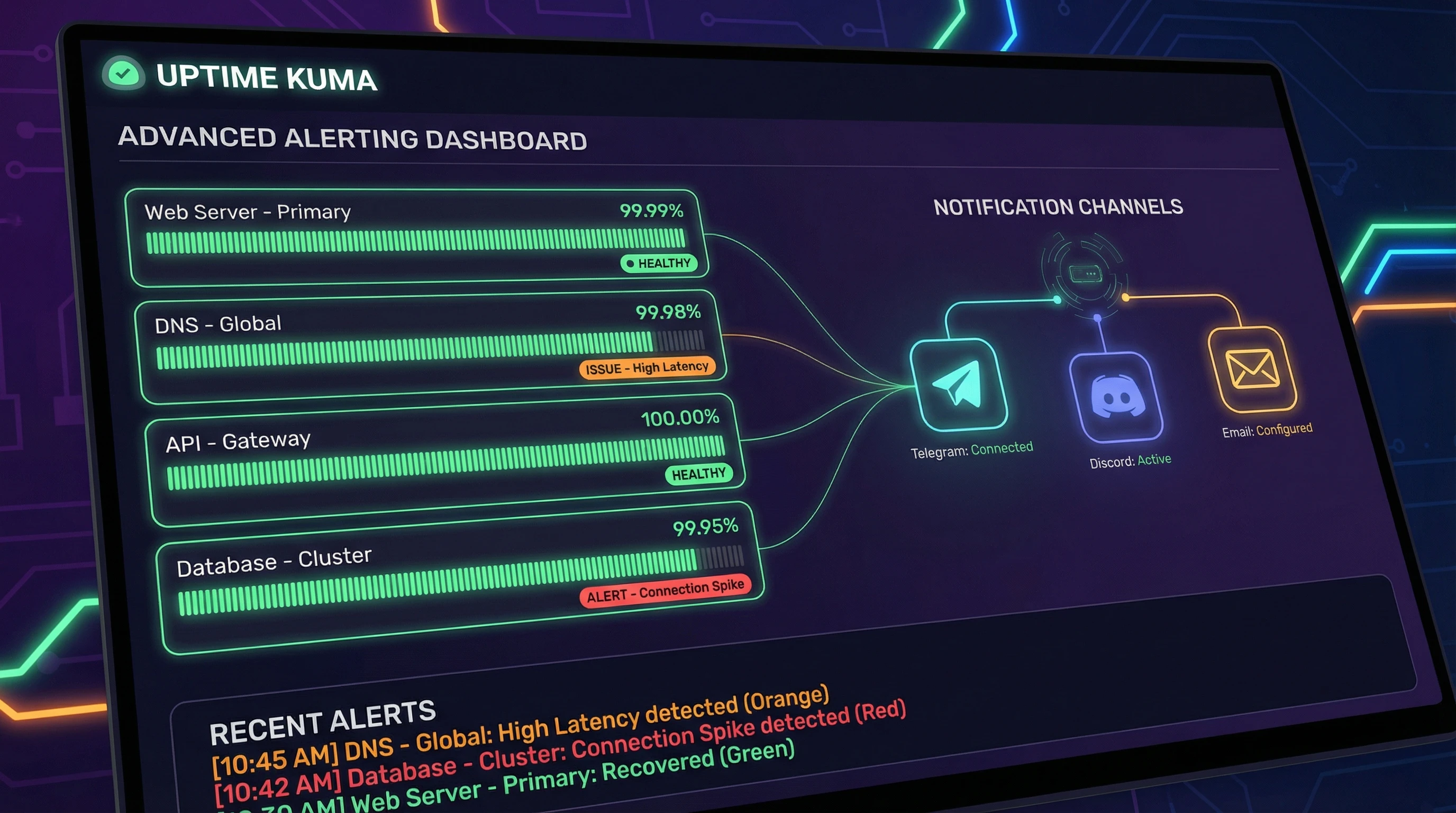
Uptime Kuma Advanced Alerting: Notifications, Status Pages, and API Monitors
Go beyond basic HTTP checks. Configure Uptime Kuma to alert on response time, SSL expiry, keyword presence, and send notifications to Discord, Telegram, or email.
How to Set Up Nginx Proxy Manager With Docker (Complete Guide)
Install Nginx Proxy Manager with Docker Compose, add your first proxy host, and get HTTPS working for every service on your homelab.
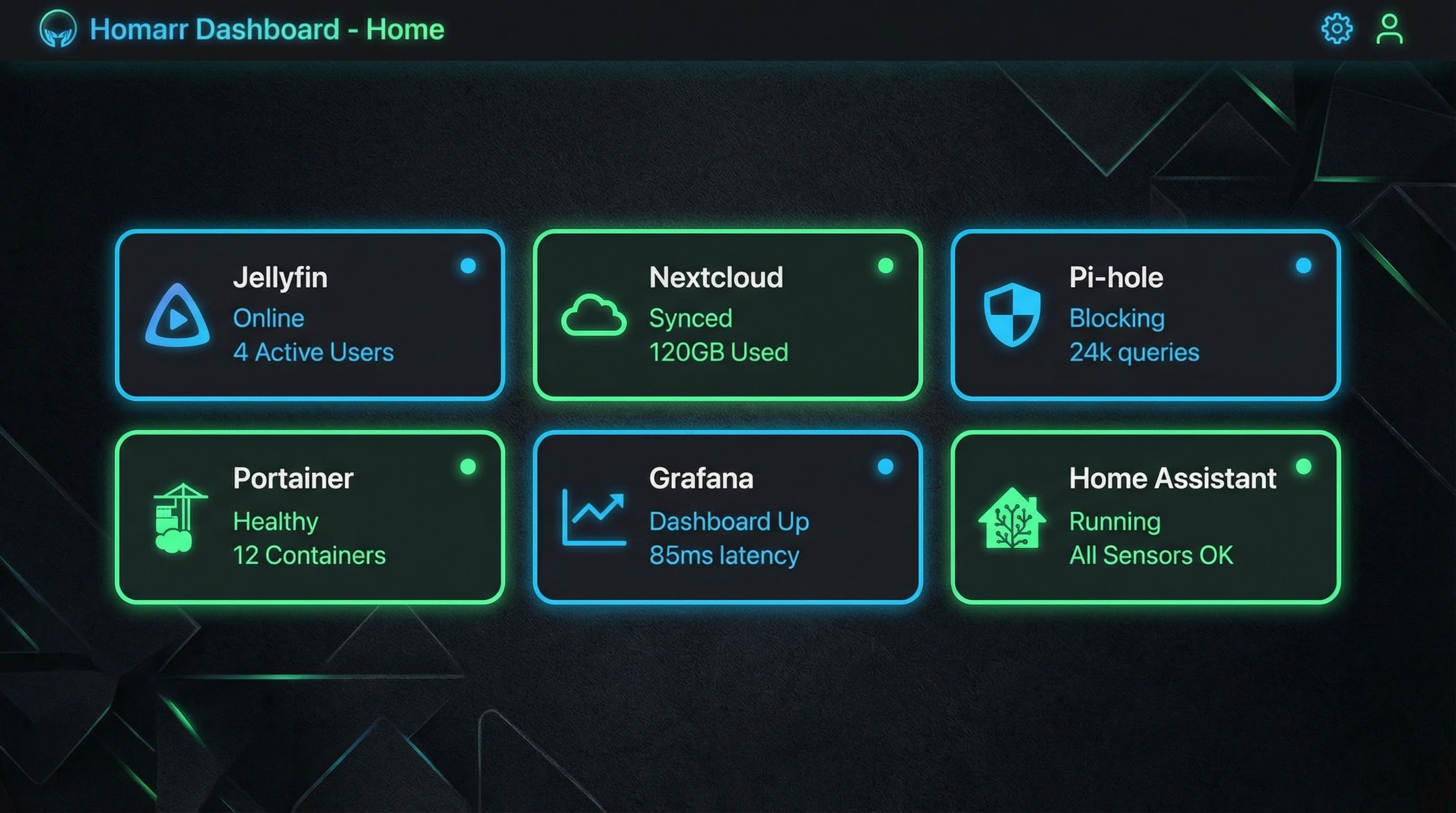
Homarr Dashboard Setup: Your Homelab's Front Page
Homarr is a clean, modern homelab dashboard that integrates with your services, shows real-time stats, and gives you a single page to launch everything from.
Docker Compose for Beginners: Organizing Your Home Server the Right Way
How to write Docker Compose files, organize your homelab services, manage environment variables, and keep everything maintainable long-term.
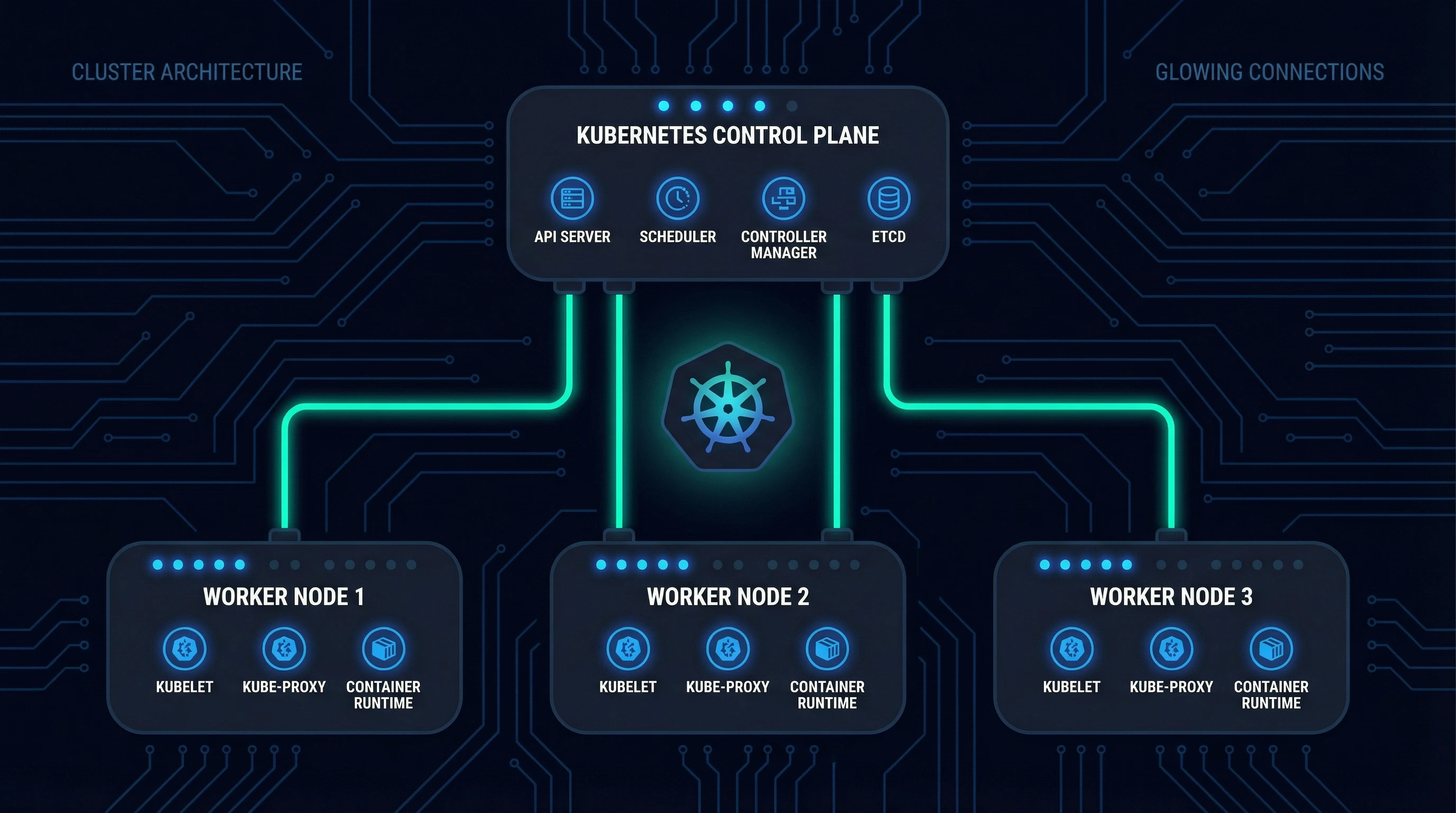
K3s on Proxmox: Kubernetes Cluster Setup Guide
Run a lightweight Kubernetes cluster on Proxmox VMs. This guide walks through VM prep, K3s installation, kubectl access, and your first deployment.
Proxmox VM vs LXC: When to Use Each (With Real Examples)
Proxmox VM vs LXC: how to decide, with a decision chart. Plus the one config mistake that breaks Docker in LXC every time.
Proxmox Post-Install Checklist: 10 Things to Do Right After Installing
A practical checklist of everything to configure after a fresh Proxmox VE install: repos, updates, email alerts, storage, and more.
Ghost: Self-Hosted Blogging Platform Setup
Deploy Ghost on Docker for a clean, fast self-hosted blog or newsletter platform with membership support, built-in SEO, and a polished editor.
Self-Hosted Documents Workflow: Paperless-ngx + the Right Scanner
The 'now what?' guide for Paperless-ngx. Pick a document scanner that actually works with it, set up your consume folder, and build a workflow that runs in under 30 seconds per document.
Gitea: Self-Hosted Git Server on Docker
Set up Gitea on Docker for a self-hosted GitHub alternative: code hosting, issue tracking, pull requests, and CI/CD pipelines on your own server.
FreshRSS: Self-Hosted RSS Reader Setup
Deploy FreshRSS on Docker to follow blogs, news, and podcasts through a single self-hosted feed reader, with multi-device sync and app support.
Linkwarden: Self-Hosted Bookmark Manager Setup
Deploy Linkwarden on Docker to save, organize, and archive web pages, with full-page screenshots, PDF snapshots, and tag-based organization.
Stirling PDF: Self-Hosted PDF Toolkit Setup
Deploy Stirling-PDF on Docker to merge, split, compress, convert, and edit PDFs without uploading files to third-party websites.